6 Photography Tips to Capture the Solar Eclipse with Your Pixel
-
 Loading...
 - Johannes Gray
- 31 Jul 2024
- 45 Views
- 0 Like
- 0 Comment
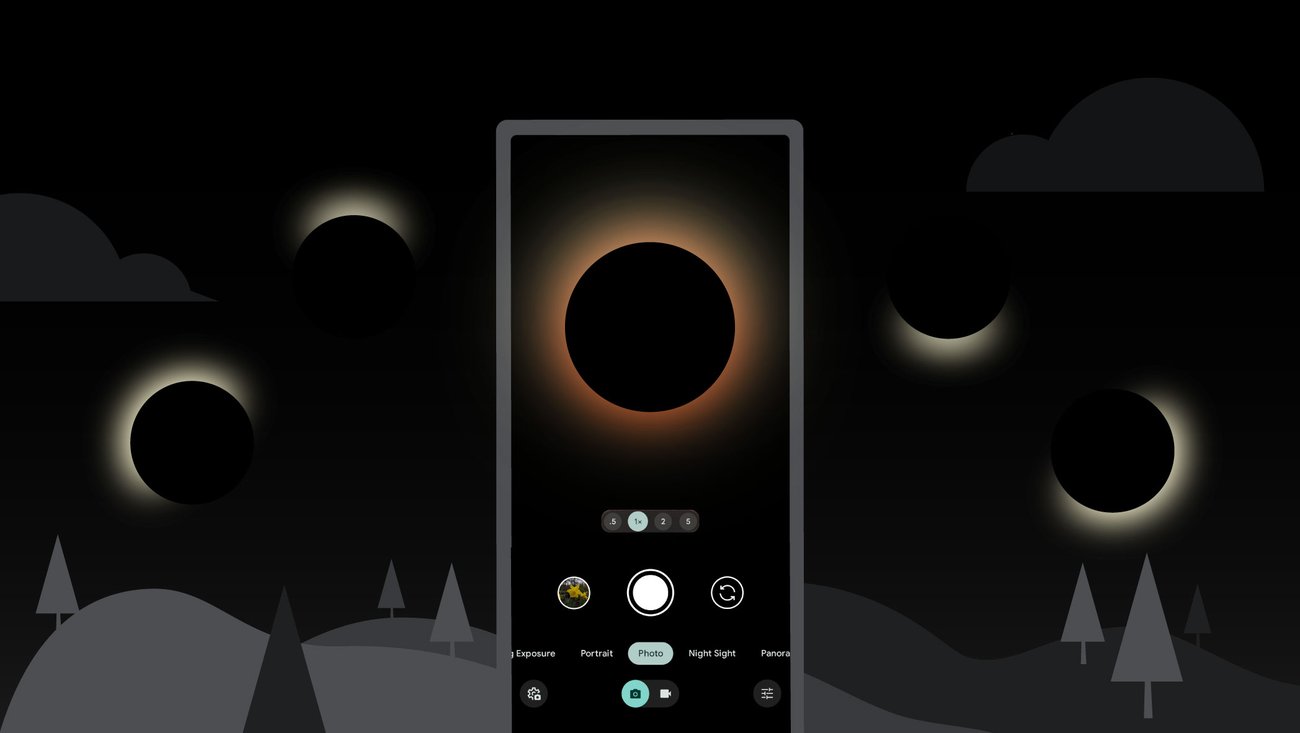
Capturing the awe-inspiring beauty of a solar eclipse can be a thrilling experience, especially with the advanced camera features of the Google Pixel. To help you make the most of this celestial event, here are six essential tips for photographing a solar eclipse with your Pixel smartphone.
1. Use Proper Eye Protection and Filters
- Safety First: Before you even think about pointing your Pixel at the sun, ensure that you have proper solar filters for both your eyes and your camera. Directly looking at the sun, even during an eclipse, can cause severe eye damage.
- Solar Filters: Attach a solar filter to your Pixel’s lens. This will not only protect your camera sensor but also help you capture clear, detailed images of the eclipse. You can find solar filters specifically designed for smartphone cameras online or at photography stores.
2. Enable HDR+ for Enhanced Detail
- High Dynamic Range (HDR+): Your Pixel’s HDR+ mode is perfect for capturing the high contrast between the bright sun and the dark sky during an eclipse. Ensure this setting is enabled to bring out more details and balance the exposure in your photos.
- How to Enable: Open your camera app, tap on the settings icon, and turn on HDR+ mode. This will allow your Pixel to take multiple shots at different exposures and combine them into a single, detailed image.
3. Stabilize Your Phone
- Use a Tripod: A stable shot is crucial for clear eclipse photos. Use a tripod or a stable surface to keep your Pixel steady. Even slight movements can cause blurring, especially when using higher zoom levels or longer exposure times.
- Remote Shutter: Consider using a Bluetooth remote shutter or the timer function on your Pixel to avoid shaking the camera when you press the shutter button.
4. Experiment with Different Zoom Levels
- Zoom In and Out: Your Pixel has excellent digital zoom capabilities. Try different zoom levels to capture various phases of the eclipse. Zooming in can highlight the details of the sun’s corona, while zooming out can capture the dramatic scene of the eclipse within the landscape.
- Test Shots: Take a few test shots at different zoom levels before the eclipse reaches its peak to find the best framing and settings.
5. Use Manual Mode for Greater Control
- Pro Mode: While the automatic settings on your Pixel are powerful, switching to manual mode gives you more control over exposure, ISO, and shutter speed. This is particularly useful during an eclipse when lighting conditions change rapidly.
- Adjust Settings: Set a low ISO to reduce noise and experiment with different shutter speeds to capture the different stages of the eclipse. Faster shutter speeds can capture the bright phases, while slower speeds can help during the darker moments.
6. Capture the Entire Event
- Timelapse: Consider using the timelapse feature to capture the entire eclipse event. This will give you a dynamic video showing the progression of the eclipse from start to finish.
- Regular Intervals: If you prefer still photos, take shots at regular intervals to document the various stages of the eclipse. This can be particularly rewarding as it allows you to create a sequence of images showing the eclipse’s progression.
Photographing a solar eclipse with your Google Pixel can be a rewarding experience, yielding stunning images of a rare celestial event. By following these tips—using proper filters, enabling HDR+, stabilizing your phone, experimenting with zoom, using manual settings, and capturing the entire event—you'll be well on your way to creating beautiful and memorable photos. Remember, preparation is key, so get your gear ready well before the eclipse begins. Happy shooting!