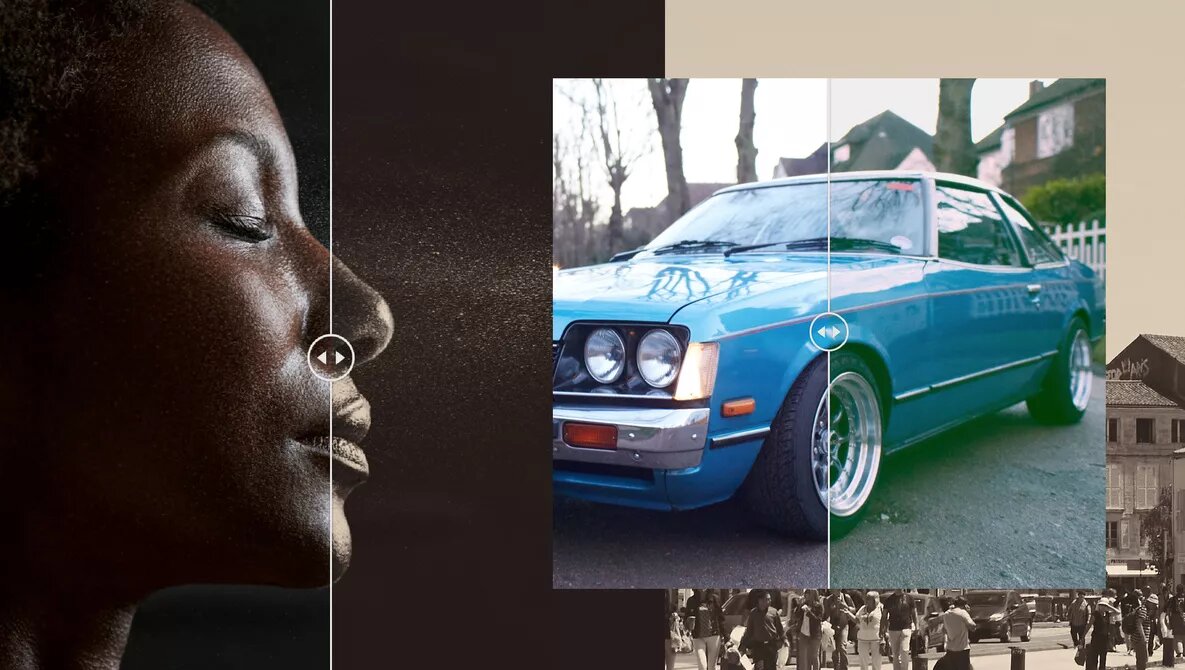
Make Your Own Film Presets With This Simple Tutorial
-
 Loading...
 - Almeida adil
- 03 Apr 2023
- 53 Views
- 0 Like
- 0 Comment
The nostalgia of film and the decades gone is fascinating so no wonder film presets and looks are popular to buy for your editing software. They’re pretty easy to make yourself if you put a little bit of time into understanding what elements in editing make the film look different from digital. Follow my tutorial to make your own vintage film presets for Capture One, Lightroom or PhotoShop.



Photo by Michelle Vantine.
Study Images First
I think a great way to learn what it is that you love about the film look is by studying photographs shot using it, particularly from the 20th Century. My personal favourites are nostalgic images from the 70s and 80s, but I also love the early black-and-white prints from the 1930s.
When you study images look at colour — is it saturated, desaturated or tinted with a specific hue? Another thing to look at is the overall colour balance — are the images cool or warm? Sometimes the highlights are warm and the shadows are cool. Look at the overall high dynamic range — are the images high in contrast or faded?
The images that appeal to me appear a little faded and warm. I appreciate the black and white faded look from the 1930s. Having said that I also love the saturated colours of the 1990s and the 2000s from photographers such as Philip-Lorca diCorcia. A very simplified analysis is that the earlier film photographs have a faded appearance with fewer details in the shadows and highlights and that later film prints had more colour and contrast. Read More…



