How to view and control Wi-Fi data usage on Android
-
 Loading...
 - Agung Hidayat
- 13 Feb 2023
- 68 Views
- 0 Like
- 0 Comment
Learn how to figure out which apps gobble up Wi-Fi data on your Android devices.
We are growing ever more connected to our mobile devices — so much so that many users have shunned the desktop. To that end, we’re using data by the GB, so it’s nice to be able to see how much data you are using at a glance and control what’s using the data.
How to view mobile data usage
If you want to check cellular data on your Android device, open Settings, select Connections and tap Data Usage.
From that page, you can tap Mobile Data Usage and view the specifics of what apps and services are using your data (Figure A).
Figure A
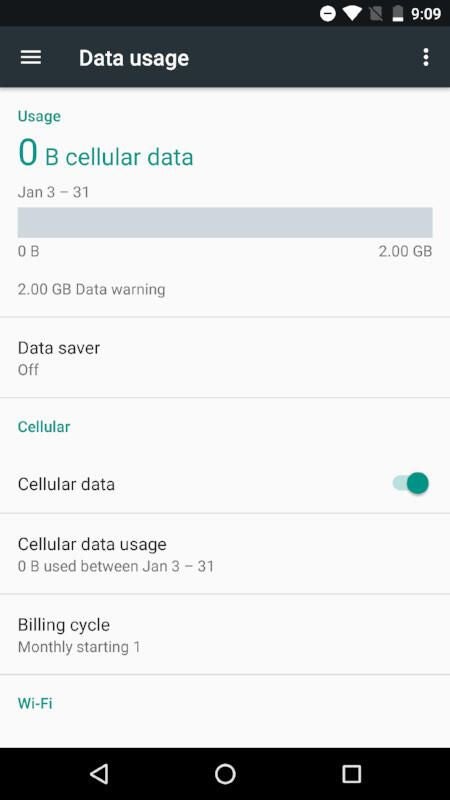
Look at a device that uses cellular data — that’s most mobile devices — and tap Mobile Data Usage to see a quick graph of data usage.
Scroll down to see what apps are using the bulk of that data (Figure B). Read More…