How to use the same WhatsApp account on multiple devices simultaneously

WhatsApp may be the most popular third-party messaging platform on mobile after Facebook Messenger, but using it on multiple devices is not as simple as it should be. Here’s how to use WhatsApp on two phones at the same time.
If you didn’t already know, Meta has been working on a dedicated “companion mode” for WhatsApp for some time. This will ultimately allow you to link a secondary phone to your account and use WhatsApp without any limitations whatsoever. It’s even working in beta for some people right now, but sadly, it’s not available widely nor do we know when it will be released to everyone.
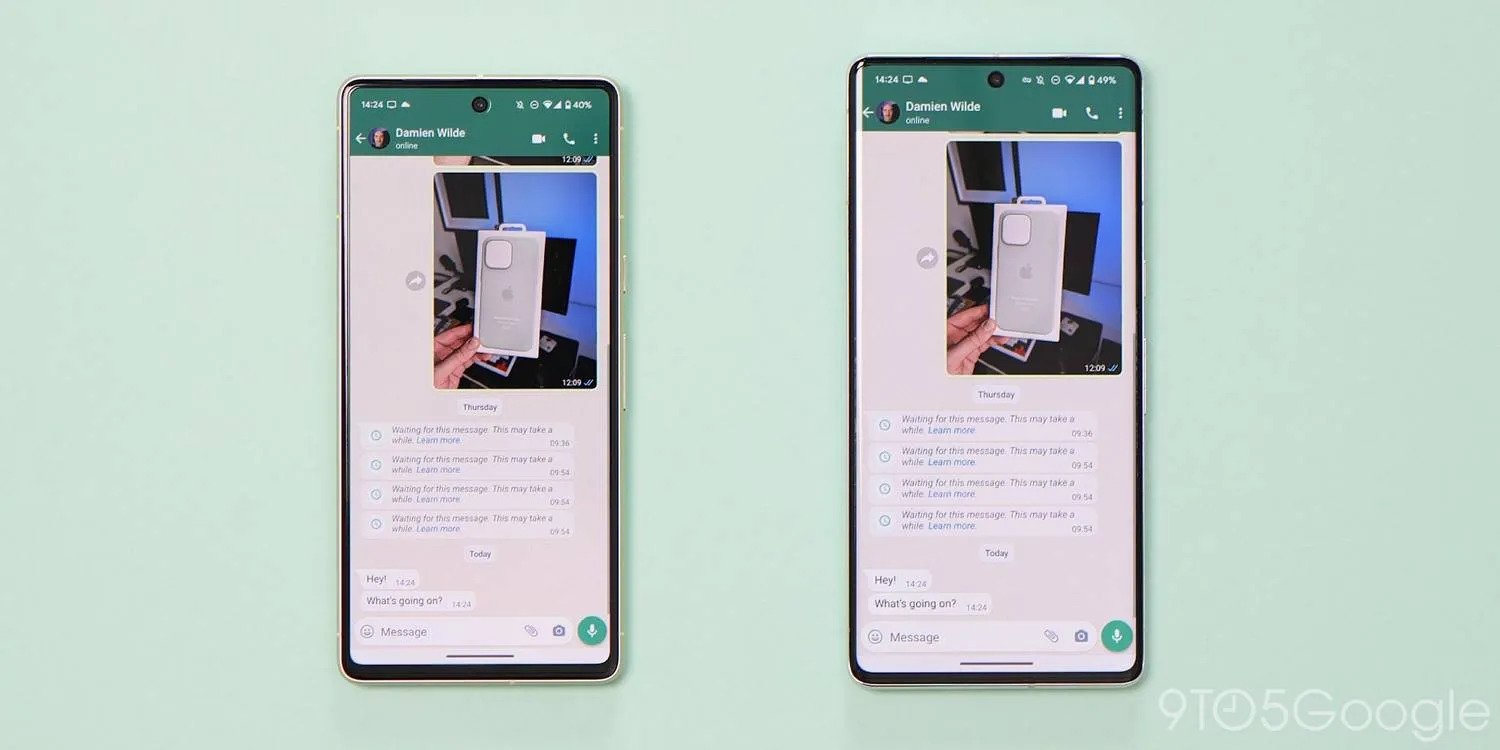
A useful feature that we can already take advantage of here to enable WhatsApp on multiple devices at the same time is the “Linked devices” option. This existing function allows you to link your WhatsApp account to a PC, tablet, and selected smart displays. Because Android recognizes screens with a larger DPI than 600 as an Android tablet, this is a workaround that we can utilize to essentially “trick” WhatsApp into treating a secondary phone as a tablet rather than a smartphone.
If that sounds simple, it’s because it really is that easy. This means that you can use WhatsApp on two Android phones simultaneously, or an iPhone (as a main device) and an Android phone (as a secondary phone). You’re able to do everything you can do with your “main” device including voice and video calls, group chats, upload images, videos, voice notes, and more.
For those of you that use an iPhone, this is a powerful workaround because you’re not limited to sticking to iOS. That said, you will need to have WhatsApp fully set up on iOS first, as your Android phone will act as the “secondary” in this scenario. Sadly, there is no workaround to mimic this method to make an iPhone your backup or linked device. Read More…