How To Set Up & Use Discord On Your Xbox
-
 Loading...
 - Roseline Nyoni
- 20 Sep 2022
- 69 Views
- 0 Like
- 0 Comment
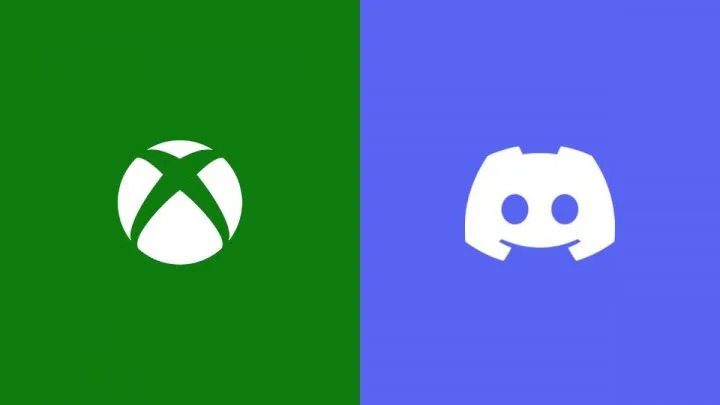
Discord is an incredibly popular voice and instant messaging app and is very useful for people playing video games together. Fortunately, for those who prefer it over Xbox’s standard voice-chatting options, it is finally available on the platform.
It is also entirely free for the Xbox One, Xbox Series S, and Xbox Series X. However, to access it you have to go through a slightly long-winded process, especially if you don’t already have the Discord and Xbox apps on your phone.
Setting Up Discord on Xbox Series X/S & Xbox One
To access Discord on your Xbox, you need to:
· Download the Discord and Xbox apps onto your phone
· Use the Discord app to join a voice chat and connect it to your Xbox
Use the instructions below to complete both of these steps.
How to Set Up Xbox & Discord Apps on Your Phone
Download the Discord and Xbox app to your mobile device from your app store:
· Discord on Apple App Store
· Discord on Google Play Store
· Xbox on Apple App Store
· Xbox on Google Play Store