How to manage working location in Google Calendar
-
 Loading...
 - Magda Balsam
- 01 Nov 2022
- 77 Views
- 0 Like
- 0 Comment
Google Workspace tools can help you keep your colleagues aware of when you work and what your availability might be. Configure your working hours in Google Calendar, so when people request a meeting outside your selected hours, they either will be notified, or the meeting will be declined.
Properly configured working hours can be essential when you work with people in different time zones. Set your Google Chat status to your current activity: Statuses of “in a meeting,” “coffee break” or “on a deadline” each convey different levels of interruptibility.
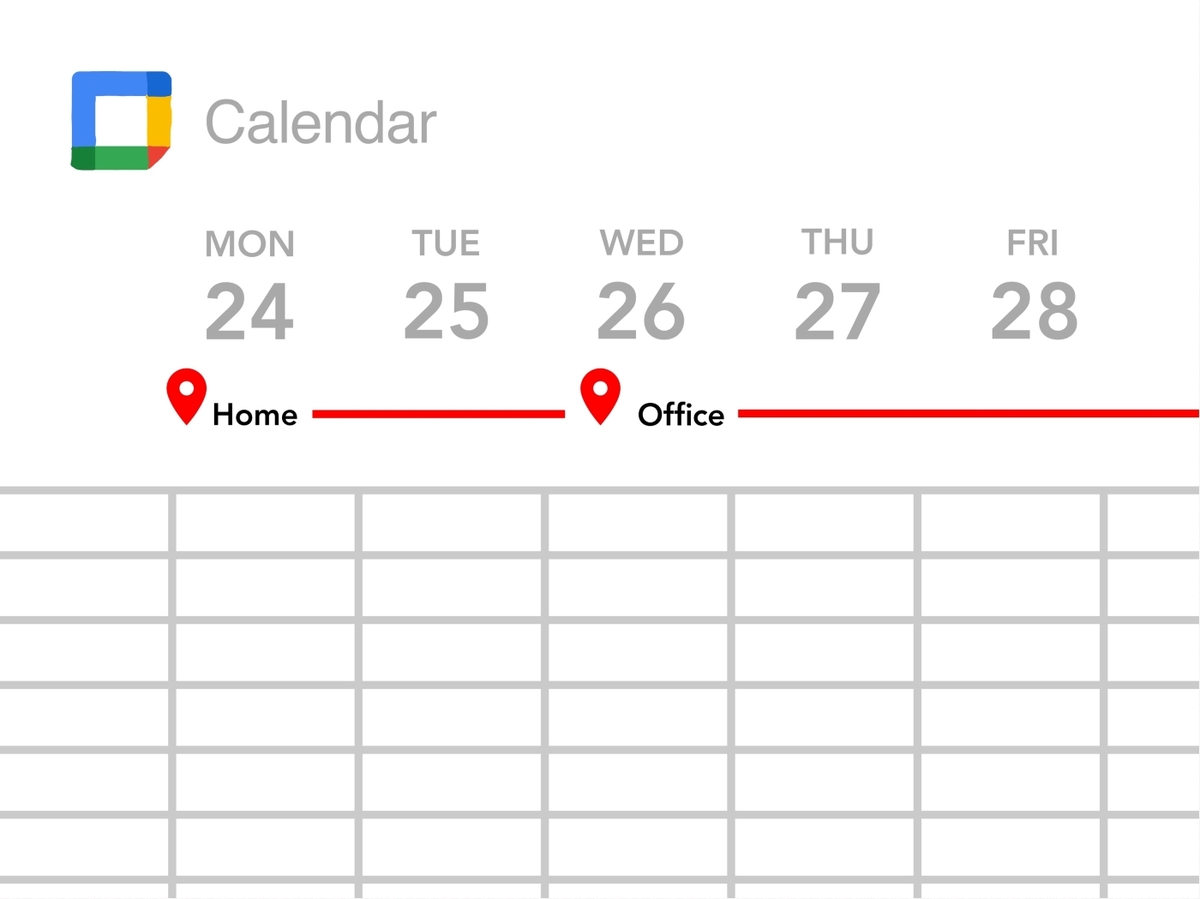
Where you work can also be important since the number and type of people nearby varies when you work from home, an office, a client site or a coffee shop. You may specify your working location in Google Calendar to let people who can access your free or busy information know where you’ll be on any particular day. This location information may make it easier to coordinate in-person encounters and gatherings.
While a Google Workspace administrator may manage settings that control whether working location information is required or encouraged in an organization, each person retains full control over the specific location information shared. Details for both are covered below, and, in every case, these steps assume people access Google Calendar on the web from a computer. Read More...