7 Easy Google Keep tips & tricks
-
 Loading...
 - Indra Marga
- 04 Apr 2023
- 70 Views
- 0 Like
- 0 Comment
Use Google's note-taking app to its fullest potential
Google Keep is one of the best note-taking apps on Android, whether you're jotting down notes on your phone or marking up a picture on an affordable Android tablet. It comes preinstalled on most Android devices, so you can use it as soon as you set up your new Android phone or tablet.
If you're new to Google Keep, you'll want to brush up on the app's essential features. Once you've familiarized yourself with the app, follow this guide for some tips and tricks to use the app in new and exciting ways.
Create a smart shopping list with Google Keep
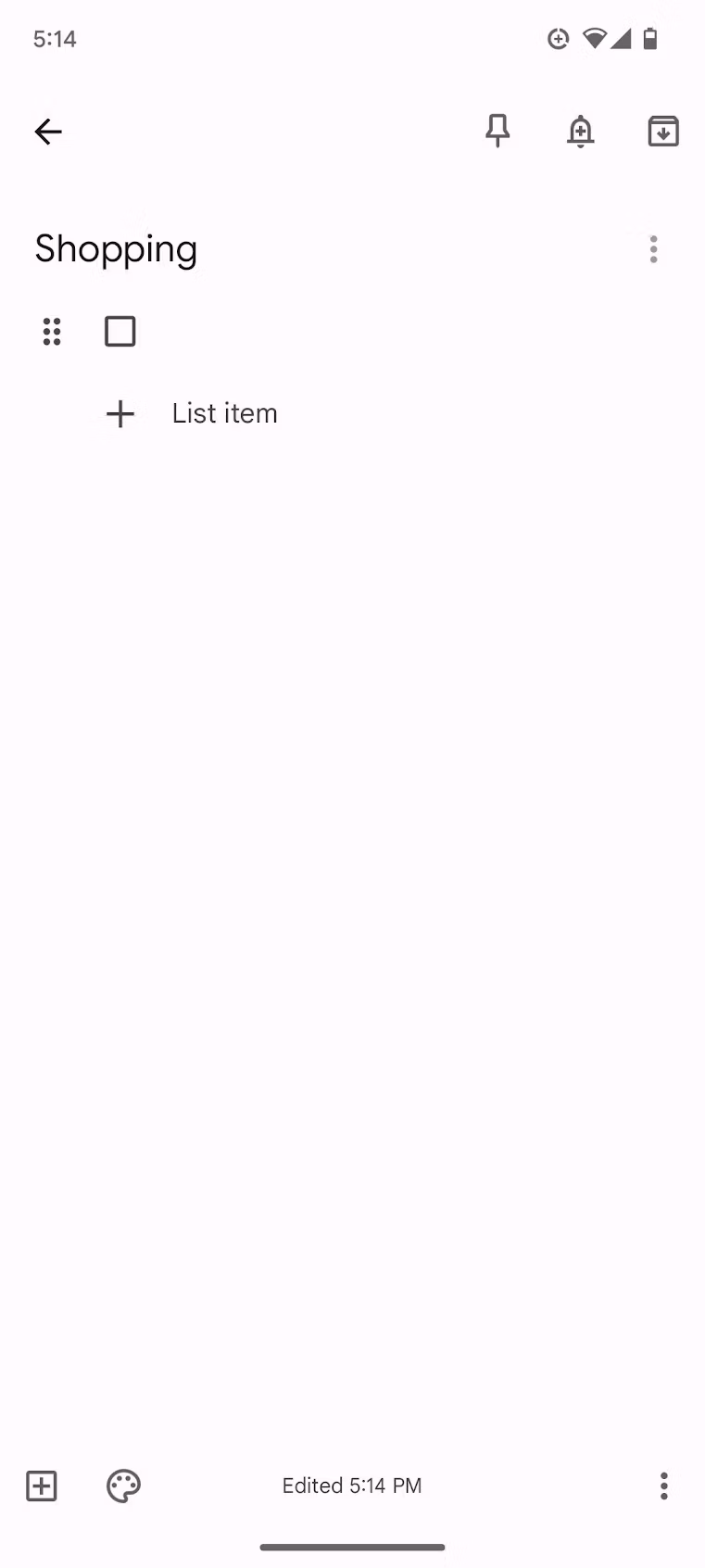
Lists are easy to make, but their potential goes beyond a simple column of checkboxes. Link them to Google Assistant to add and remove items using a voice command from any Google Assistant-enabled smart home device.
- Create a list in Google Keep.
- Say, "Hey Google, open Assistant settings" to open Google Assistant's settings menu.
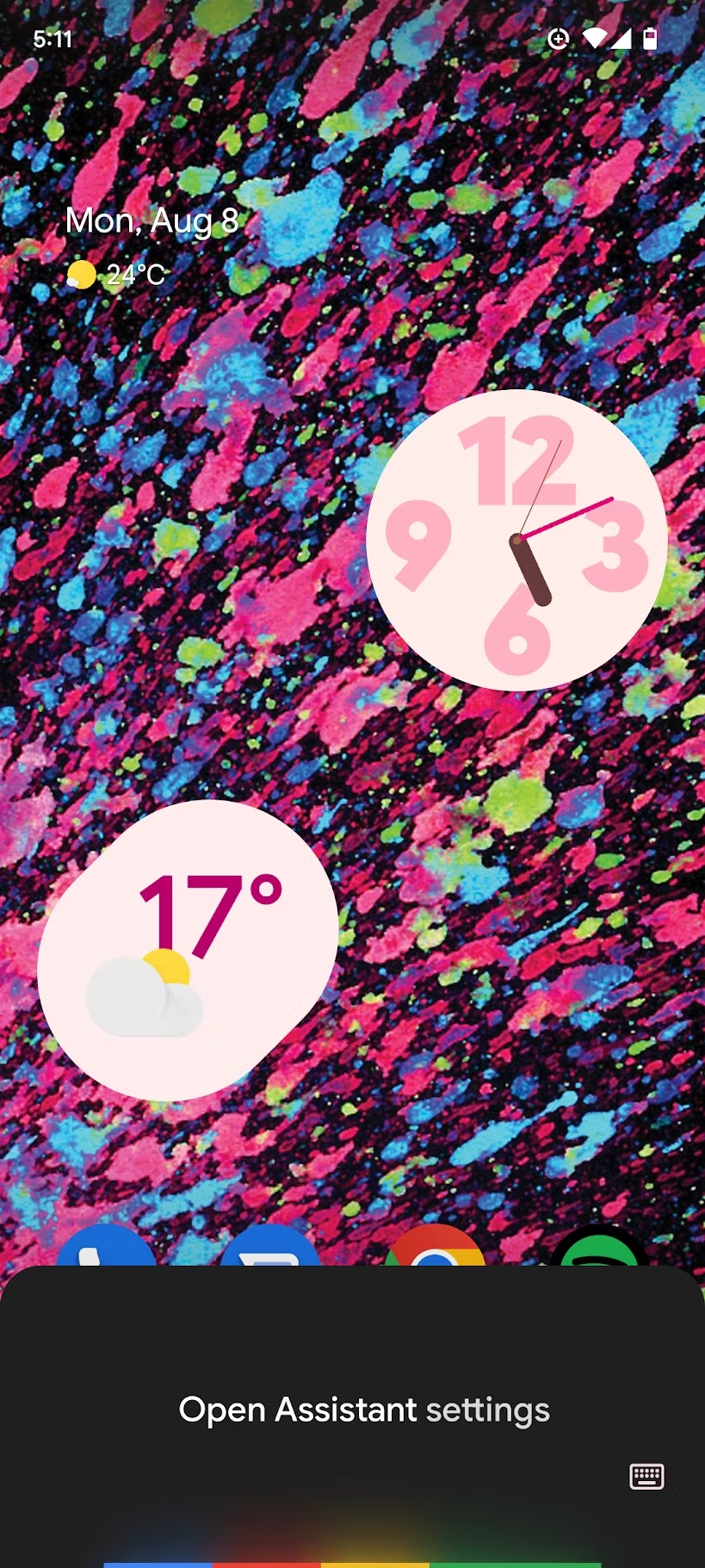
- Tap See all Assistant Settings .
- Scroll down and tap Notes & Lists . Read More…