5 Photography Tips and Tricks Every iPhone Owner Should Know
-
 Loading...
 - Radimir Sokolov
- 18 Jul 2024
- 56 Views
- 0 Like
- 0 Comment
The iPhone, with its advanced camera capabilities, allows users to capture stunning photos effortlessly. However, to maximize your iPhone's photography potential, it's essential to understand and utilize its features effectively. Here are five tips and tricks every iPhone owner should know:
1. Use the Grid for Better Composition
Enabling the grid feature on your iPhone camera helps you adhere to the rule of thirds, a fundamental principle of photography. The grid divides your screen into nine equal parts, making it easier to align your subject and create balanced, aesthetically pleasing compositions. To turn on the grid, go to Settings > Camera > Grid and toggle it on.
2. Experiment with Portrait Mode
Portrait mode on the iPhone uses advanced algorithms to create a shallow depth of field effect, making your subject stand out against a beautifully blurred background. This mode is perfect for capturing professional-looking portraits and close-up shots. To use Portrait mode, open the Camera app and swipe to select Portrait. Adjust the lighting effects and distance to achieve the desired look.
3. Adjust Exposure Manually
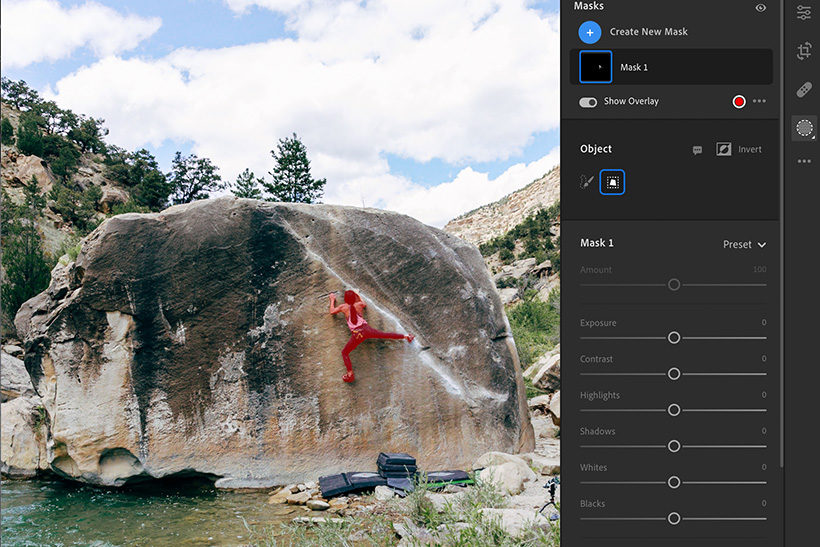
While the iPhone's automatic settings are usually reliable, adjusting the exposure manually can significantly enhance your photos. To do this, tap on the screen to focus, then swipe up or down to increase or decrease the exposure. This allows you to control the brightness of your image, ensuring that both highlights and shadows are captured perfectly.
4. Utilize Burst Mode for Action Shots
Burst mode is ideal for capturing fast-moving subjects, such as sports events or playful pets. By holding down the shutter button, your iPhone will take a series of rapid-fire photos, allowing you to choose the best shot from the sequence. To activate Burst mode, simply press and hold the shutter button or the volume up button.
5. Leverage Live Photos for Dynamic Shots
Live Photos capture a few seconds of motion and sound before and after you take a photo, bringing your images to life. This feature is great for preserving moments with subtle movements or sounds that add context to the scene. To take a Live Photo, ensure the Live Photos icon (three concentric circles) is highlighted in yellow when you open the Camera app. You can view Live Photos by pressing and holding on the photo in your gallery.
Mastering these tips and tricks can elevate your iPhone photography, allowing you to capture more compelling and dynamic images. By using the grid for composition, experimenting with Portrait mode, adjusting exposure manually, utilizing Burst mode for action shots, and leveraging Live Photos, you'll be well on your way to taking stunning photos with your iPhone. Embrace these techniques and watch your photography skills flourish.