
12 Mobile Photography Tips Every Photographer Should Know

In today's digital age, mobile photography has become incredibly popular. With the advancements in smartphone camera technology, anyone can capture stunning photos using just their mobile device. Whether you're a professional photographer or an amateur enthusiast, these 12 mobile photography tips will help you elevate your skills and capture breathtaking images. Let's dive in!
1. Understand Your Smartphone Camera Settings

To capture the best possible photos, it's essential to familiarize yourself with your smartphone camera settings. Each phone model may have different options, so take the time to explore and understand the various settings available to you. Adjusting parameters such as exposure, ISO, and white balance can greatly enhance the quality of your images.
2. Clean Your Camera Lens Regularly
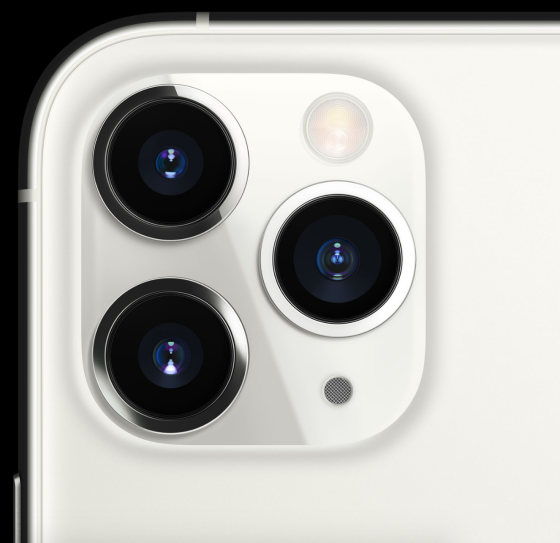
A dirty camera lens can significantly affect the clarity and sharpness of your photos. Since our smartphones are often exposed to dust, fingerprints, and smudges, it's crucial to clean the lens regularly. Use a microfiber cloth or a lens cleaning solution to wipe away any dirt or residue gently. Keeping your lens clean ensures that your photos will be crisp and vibrant.
3. Master the Rule of Thirds

The rule of thirds is a fundamental principle of photography composition. Imagine dividing your frame into a grid of nine equal sections, with two vertical and two horizontal lines. The key elements of your photo should align with these lines or their intersections. By following this guideline, you can create a well-balanced and visually appealing composition.
4. Experiment with Different Angles and Perspectives

One of the advantages of mobile photography is its versatility. Unlike traditional cameras, smartphones allow you to experiment with various angles and perspectives easily. Try shooting from a low angle to add drama or capture a unique bird's eye view by shooting from a higher vantage point. Don't be afraid to get creative and explore different angles to bring a fresh perspective to your images.
5. Use Natural Light to Your Advantage
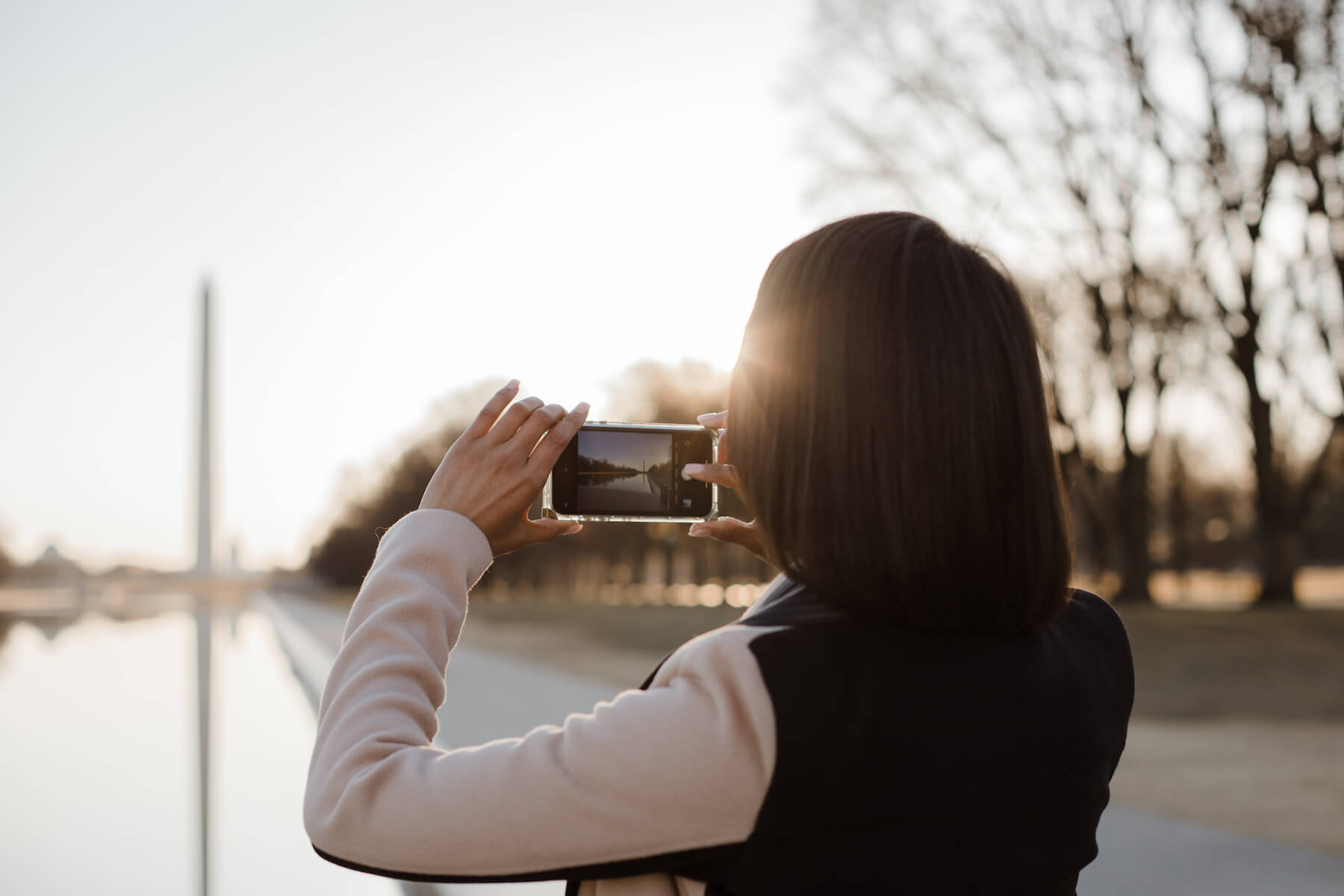
Lighting plays a crucial role in photography, and using natural light can significantly enhance your mobile photos. Whenever possible, take advantage of natural light sources such as the sun. Avoid using the built-in flash, as it can create harsh and unflattering lighting. Experiment with different times of the day to capture the soft, warm glow of the golden hour or the dramatic shadows of the blue hour.
6. Utilize the HDR Mode
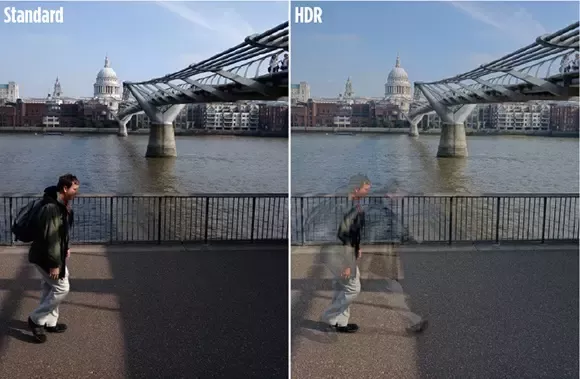
High Dynamic Range (HDR) mode is a powerful tool available in most smartphone cameras. When enabled, HDR captures multiple exposures of the same scene and combines them to create a well-balanced image with enhanced details in both the shadows and highlights. This feature is particularly useful in high-contrast situations where the lighting conditions are challenging.
7. Take Advantage of Burst Mode
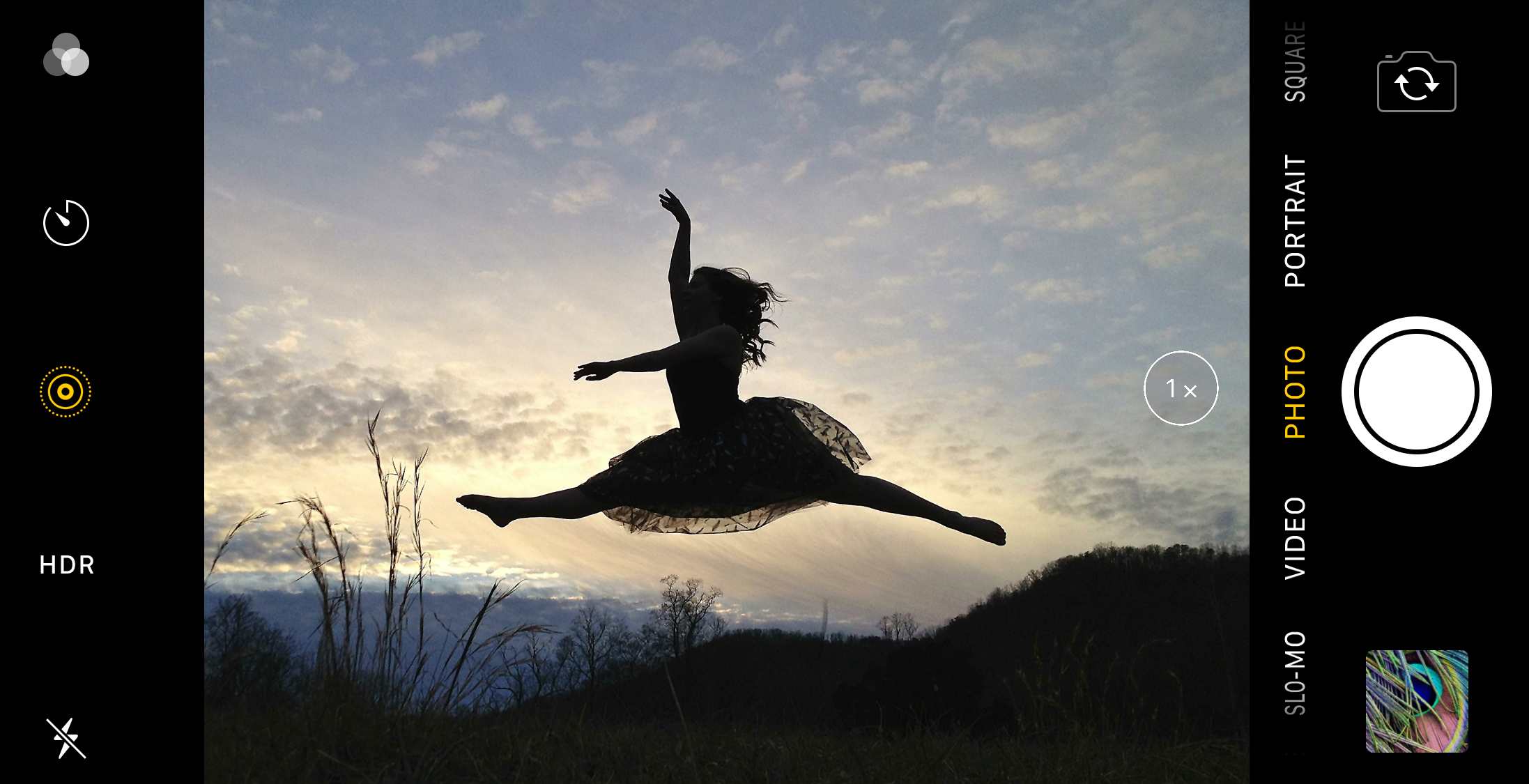
Burst mode is a handy feature that allows you to capture a series of photos in quick succession by holding down the shutter button. This mode is perfect for capturing fast-moving subjects or ensuring you don't miss the perfect moment. Afterward, you can review the burst and select the best image from the series. Burst mode is a valuable tool for action shots or photographing unpredictable subjects.
8. Use Gridlines for Better Composition
Most smartphone cameras offer the option to enable gridlines on the screen. Gridlines help you align the elements in your composition according to the rule of thirds. They also assist in keeping the horizon level and achieving symmetry. By utilizing the gridlines, you can improve your composition and create more visually balanced and captivating images.
9. Experiment with Different Camera Apps
While the default camera app on your smartphone is often reliable, there are countless third-party camera apps available that offer additional features and controls. Experimenting with different camera apps can give you more flexibility and creative freedom in your mobile photography. Look for apps that offer manual controls, advanced filters, and editing options to enhance your images further.
10. Edit Your Photos for a Professional Finish
Editing is an essential part of the photography process, even when working with mobile photos. There are numerous editing apps available that allow you to enhance colors, adjust exposure, apply filters, and crop your images. Experiment with different editing tools and techniques to give your photos a professional finish and make them stand out.
11. Tell a Story with Your Photos
Great photos have the power to tell a story and evoke emotions in the viewer. As a mobile photographer, strive to capture images that convey a narrative or elicit a specific mood. Consider the subject, composition, lighting, and overall atmosphere when composing your shots. By telling a story with your photos, you can create a more engaging and impactful visual experience.
12. Practice, Practice, Practice!
Like any skill, mobile photography requires practice to improve. Take your smartphone with you wherever you go and make it a habit to capture moments around you. Experiment with different techniques, subjects, and lighting conditions. The more you practice, the more you'll understand your smartphone's capabilities and develop your unique photographic style.
FAQs
Q1: What are some essential mobile photography accessories?
A1: While smartphones have powerful cameras on their own, there are a few accessories that can elevate your mobile photography game. Consider investing in a tripod for stable shots, a clip-on lens kit for different perspectives, and an external flash for better lighting in low-light situations.
Q2: Can I print and frame mobile photos?
A2: Absolutely! Mobile photos can be printed and framed just like any other photograph. With the high-resolution capabilities of modern smartphones, you can achieve excellent print quality. Many online services offer professional printing options for mobile photos.
Q3: How can I improve the sharpness of my mobile photos?
A3: To enhance the sharpness of your mobile photos, try tapping on the subject on your screen to focus accurately. Additionally, using a tripod or stabilizing your hand can reduce camera shake and result in sharper images. Editing tools also allow you to apply to sharpen adjustments selectively.
Q4: Are there any legal considerations when photographing people with a mobile phone?
A4: Yes, there are legal considerations when photographing people, even with a mobile phone. It's important to respect people's privacy and obtain their consent when capturing their images, especially in private settings or for commercial purposes. Familiarize yourself with the laws and regulations regarding photography in your jurisdiction.
Q5: Can I sell my mobile photos online?
A5: Absolutely! There are various online platforms and stock photography websites where you can sell your mobile photos. Ensure that you understand the licensing and copyright requirements when selling your work online.



